Kay flow — A calm planner for ADHD & Autism

Less planning,
More doing.
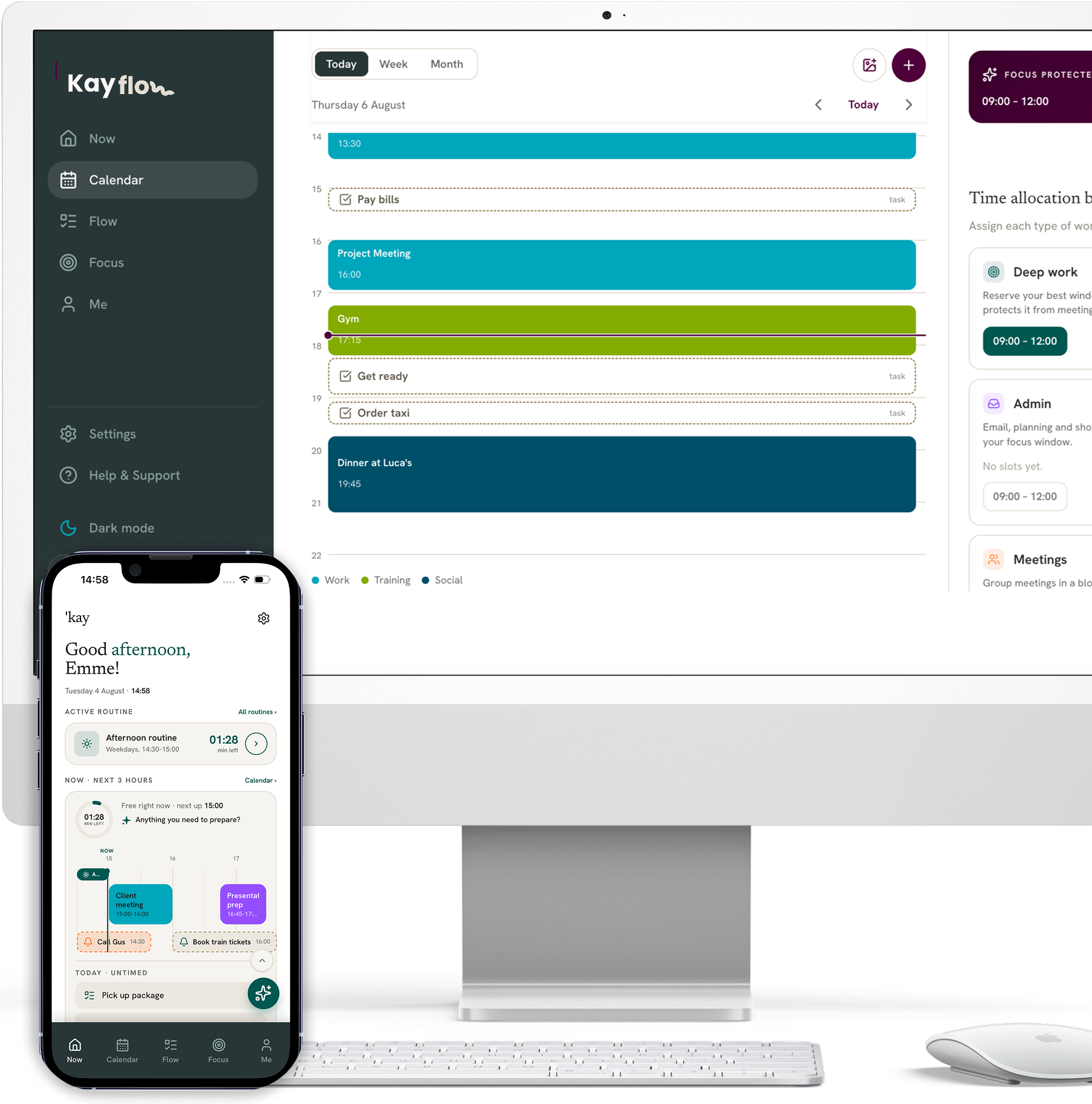

Designed for ADHD,
refined for Autism,
built for everyone.
LEARN MORE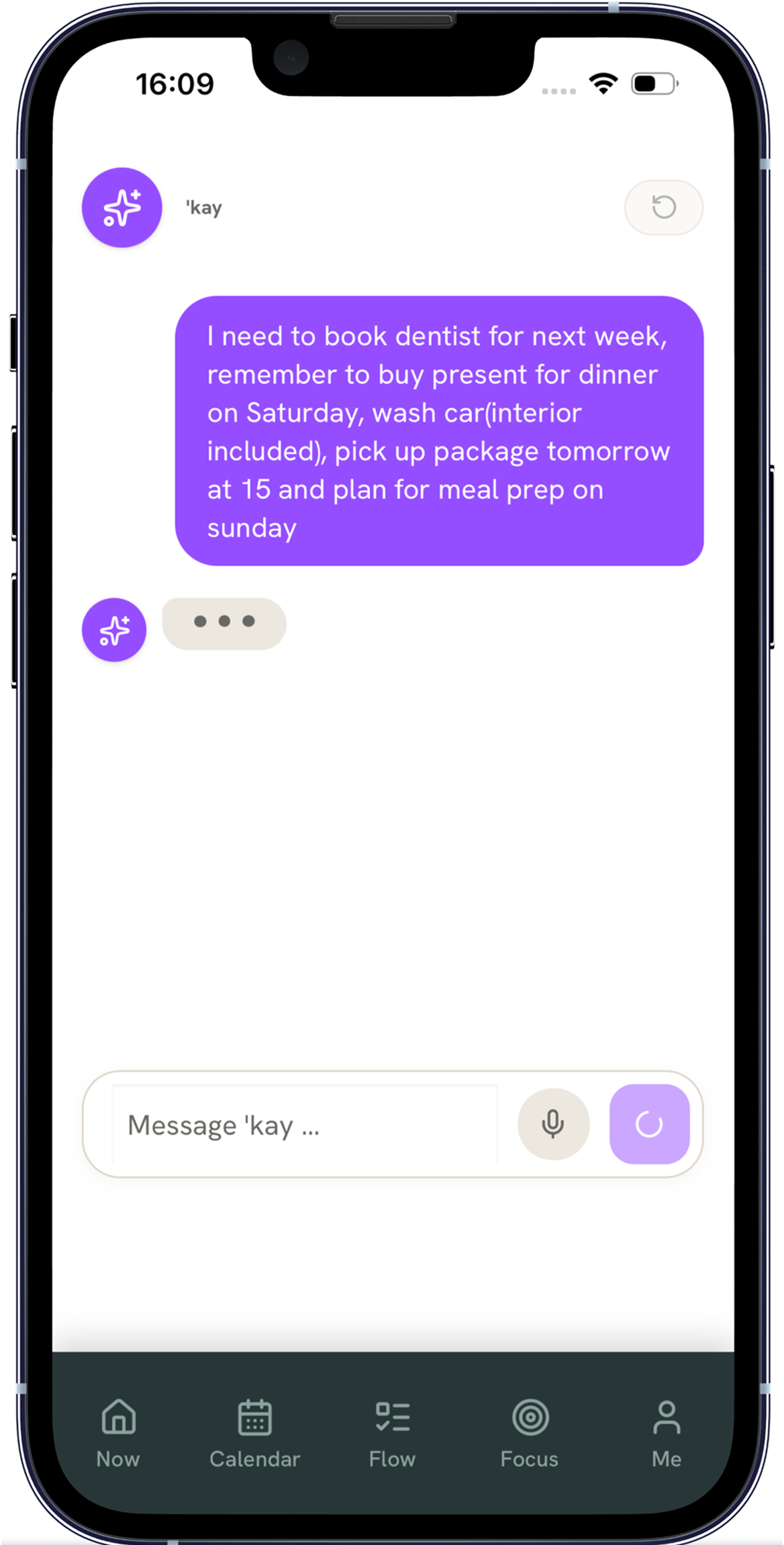
The AI coach that helps you get started
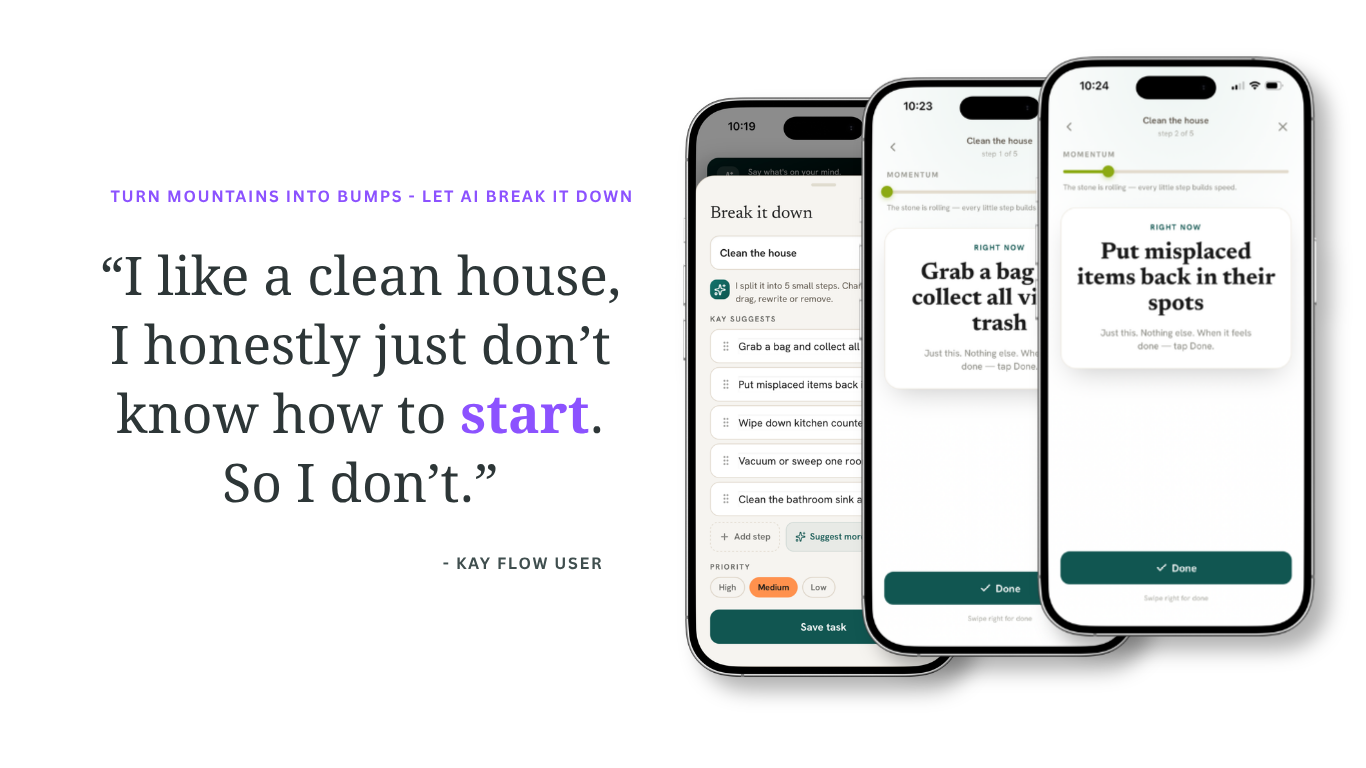
When starting feels hard, the built-in AI helps you write, sort and prioritise your to-dos — turning vague, oversized projects into a plan you can actually begin.
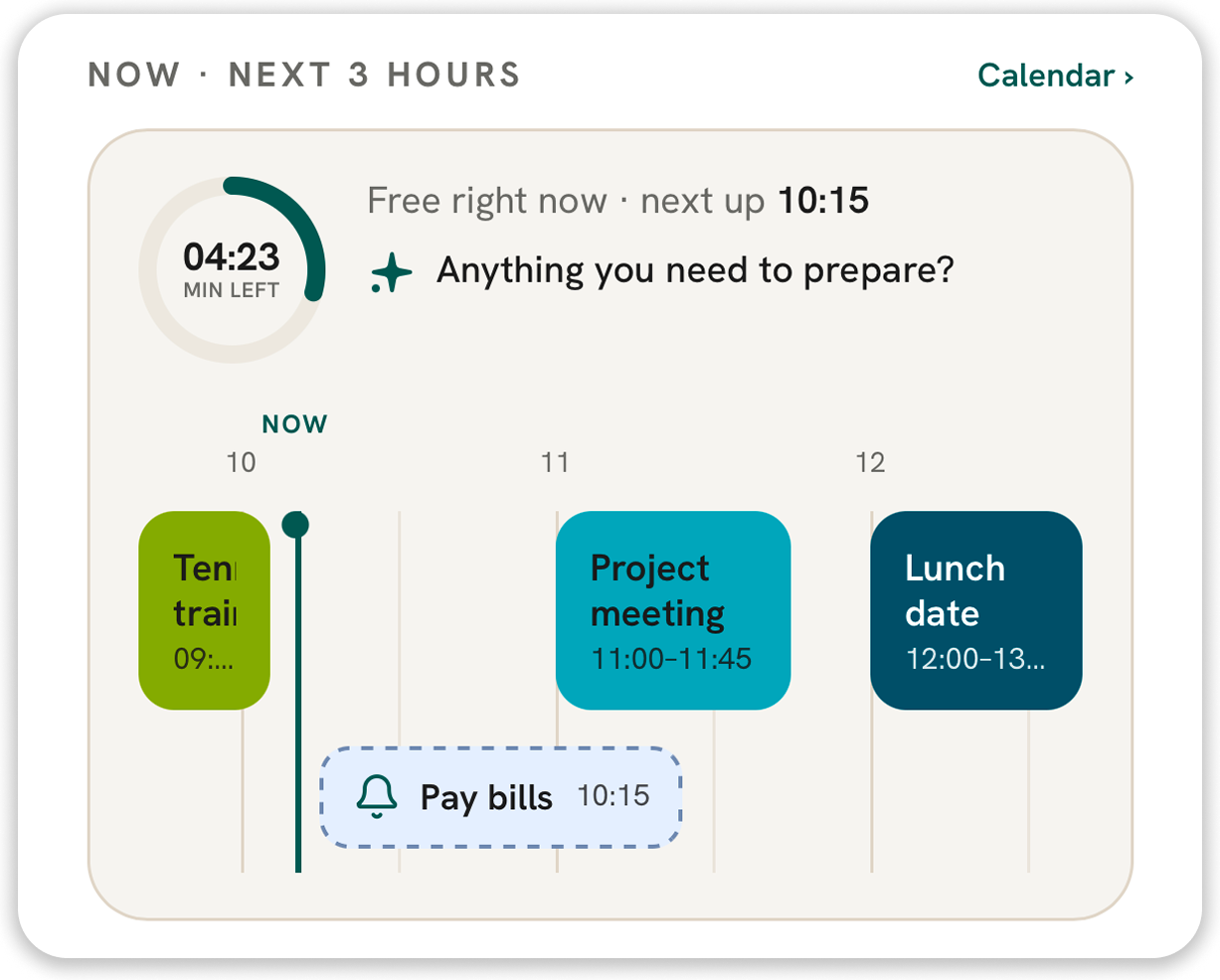
Focus on right now with the 3-hour view
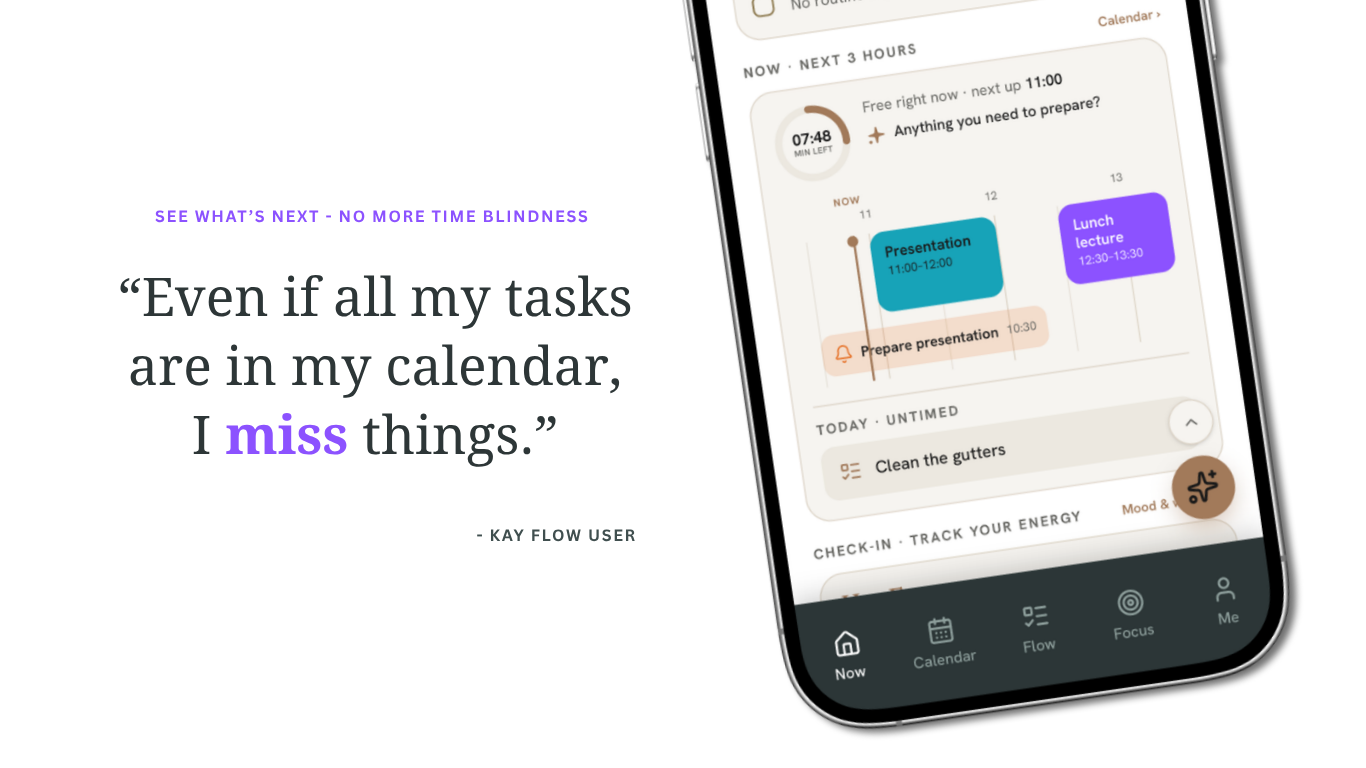
Keep track only of what's in front of you. The short-term view shows what is genuinely relevant for the next three hours — nothing else competing for your attention.
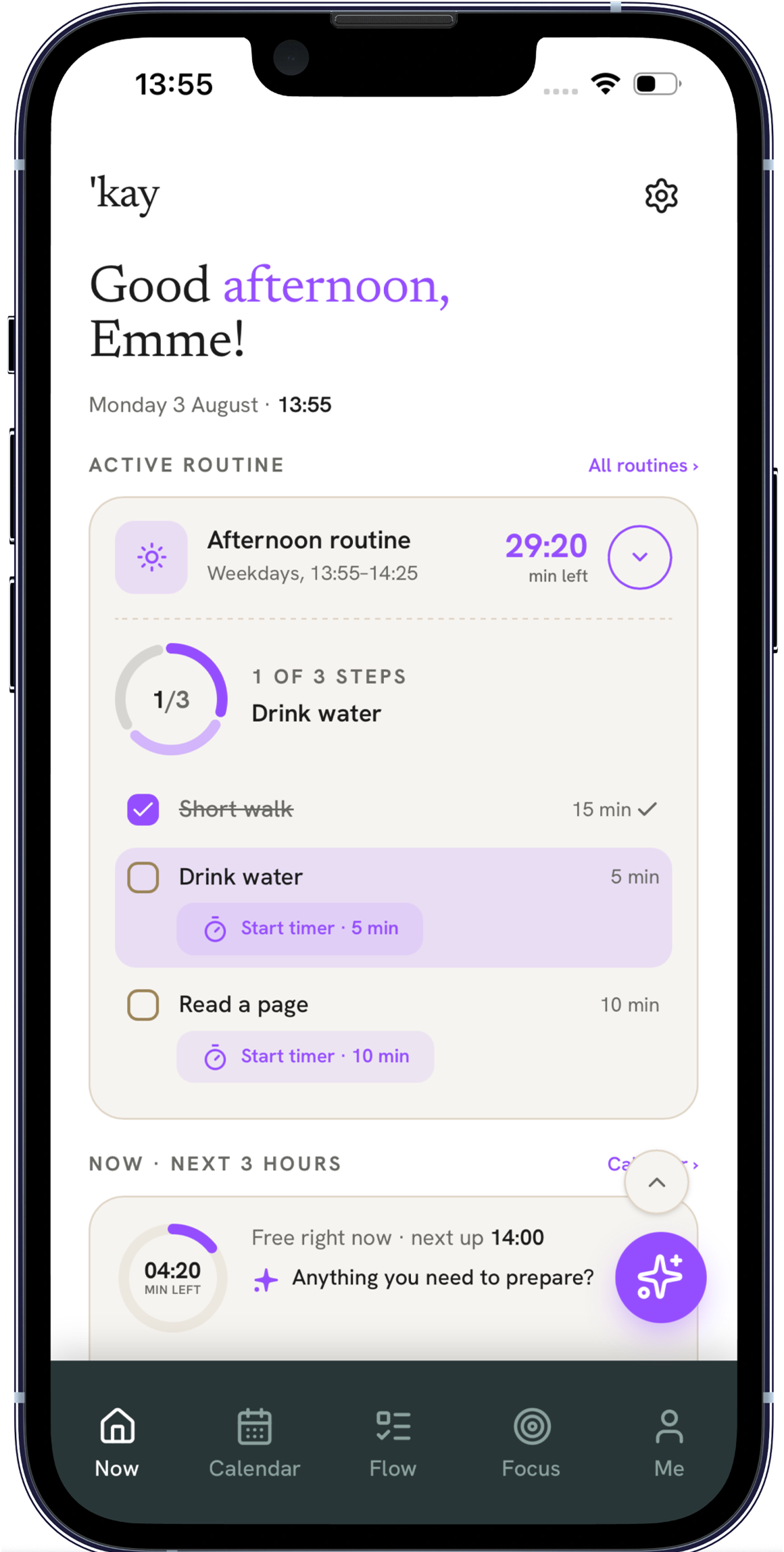
Create routines that you actually stick to
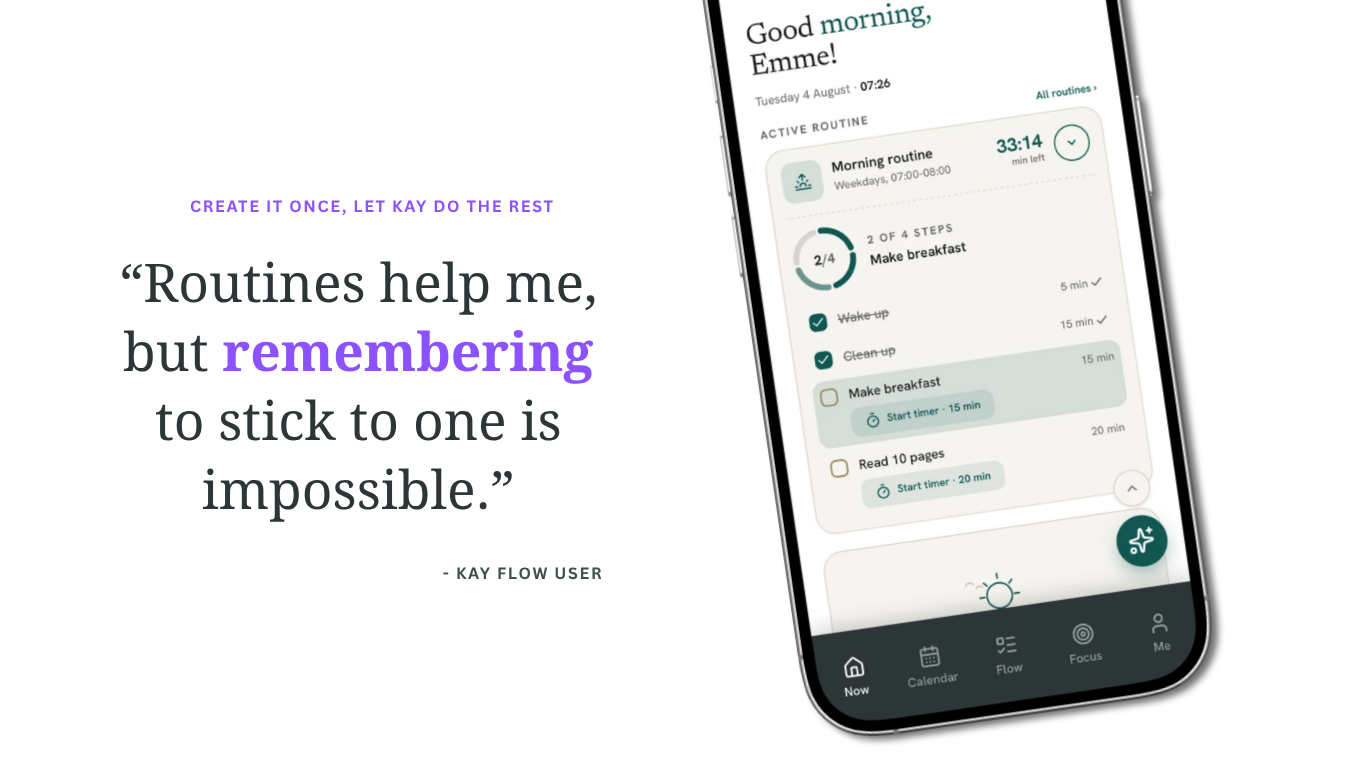
Starting is the hardest part of the day. Break your morning or evening into exact sub-steps with built-in timers, and let Kay walk you forward step by step.
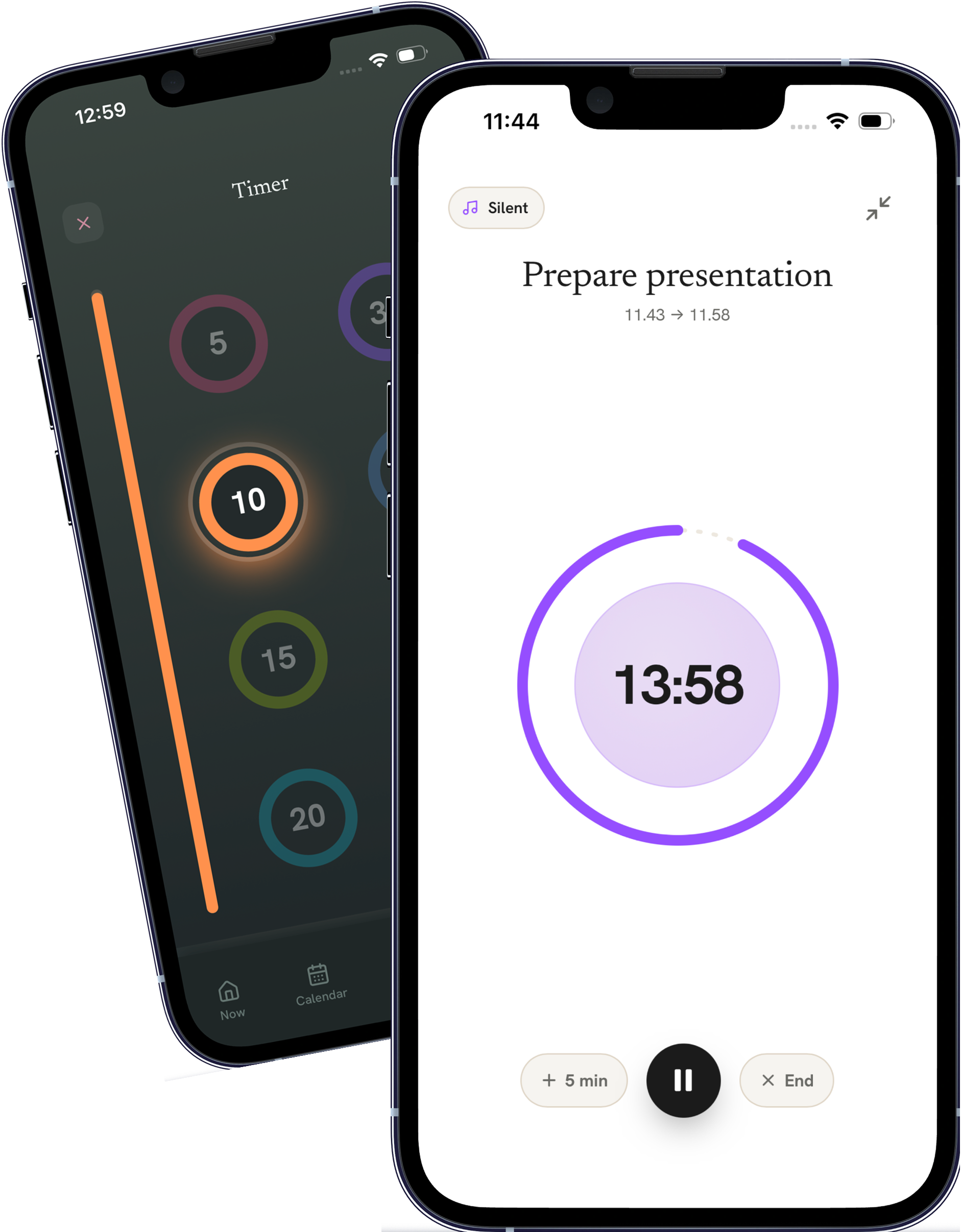
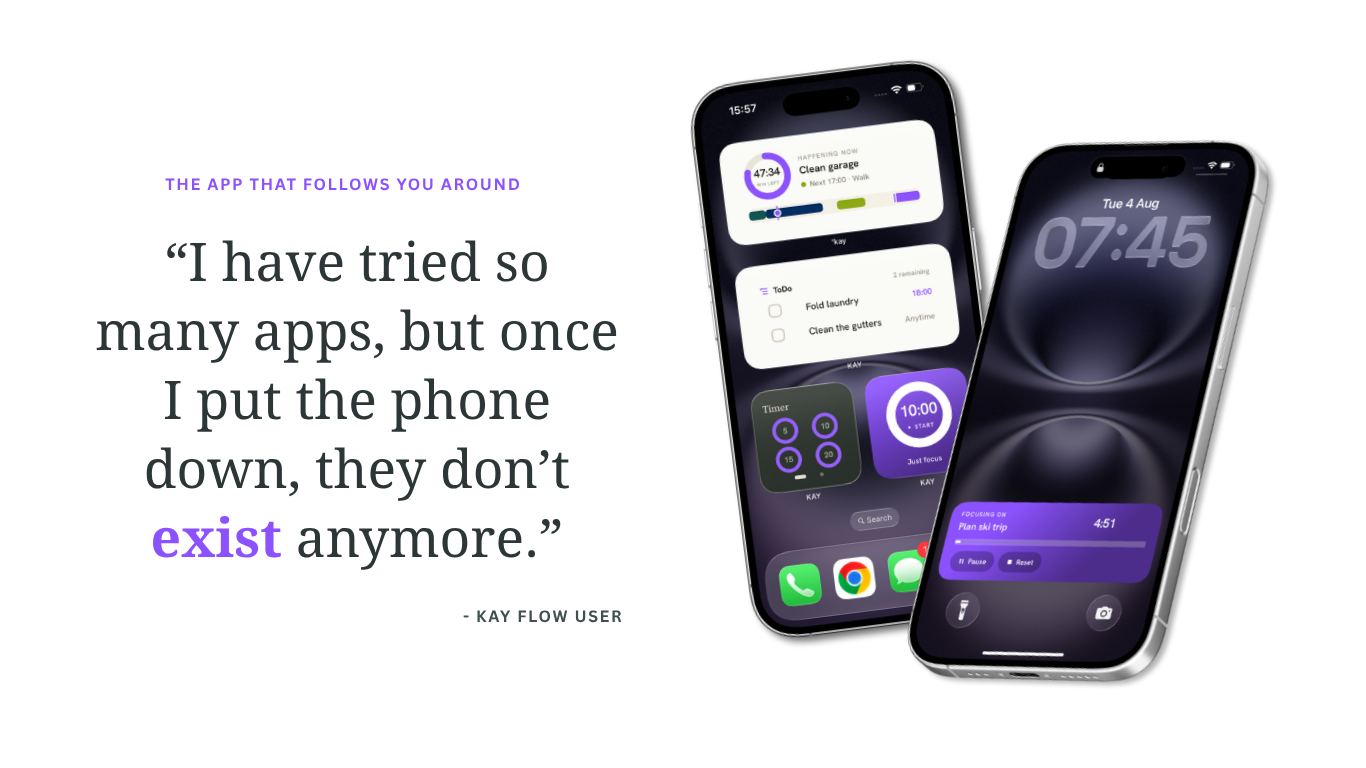
Smart focus timers & adaptive reminders
Stay focused and remember — without the stress. Custom timers help you break procrastination and ease into a workflow, without burning out your mental batteries.
Make ADHD your
best feature
We built a tool based on real people's everyday struggles — not on how productivity is supposed to work.
Enjoy real-time sync
across your accounts
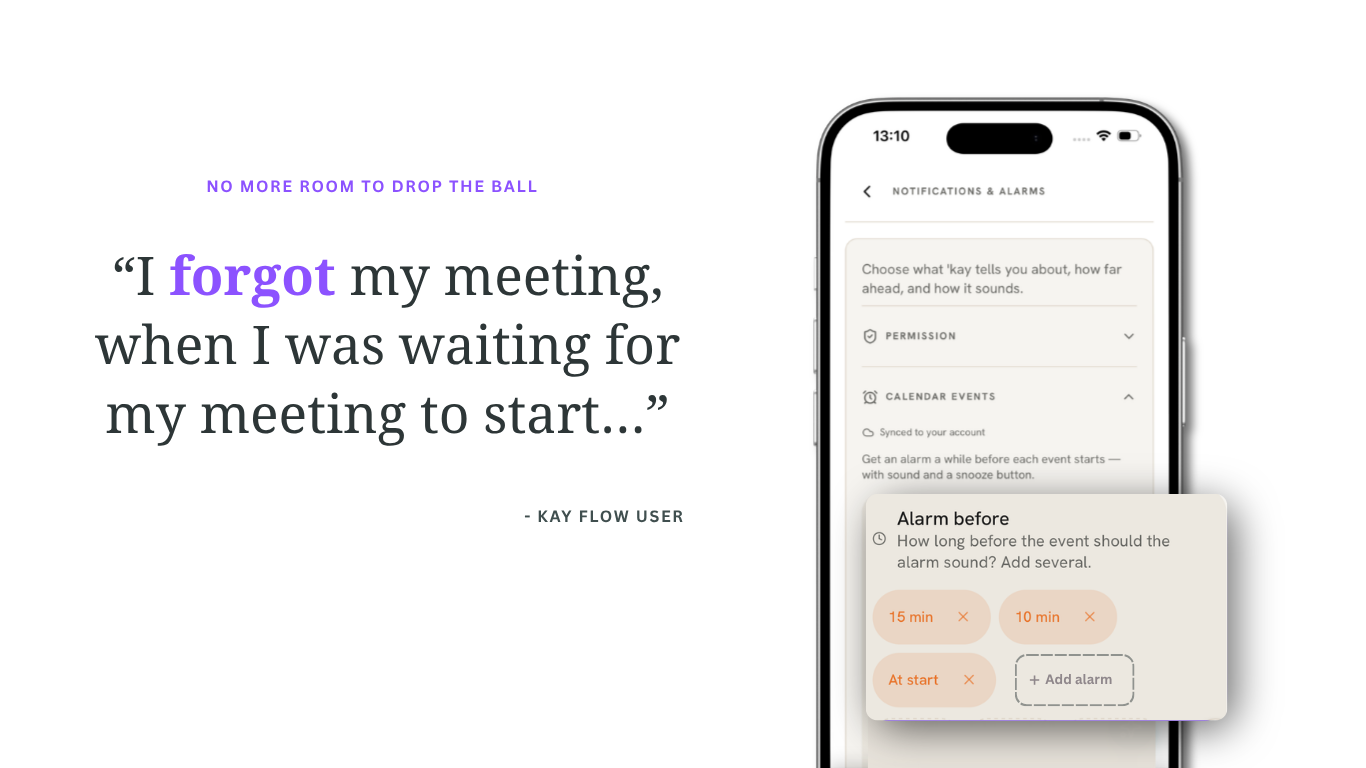
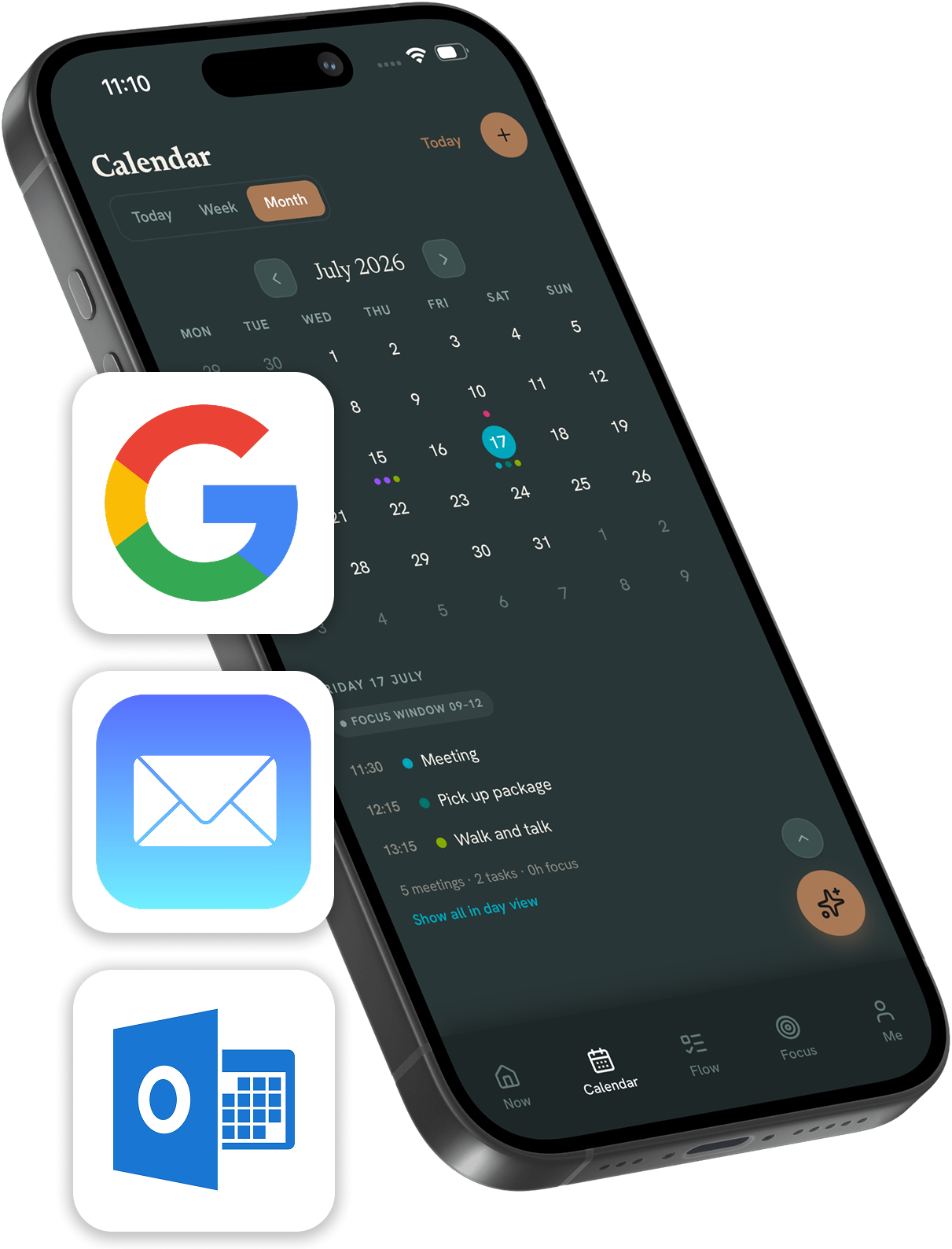
Reduce the mental load and offload your memory. Seamlessly sync your calendars from Google, Apple and Outlook — everything lands in one calm view, and anything you add in Kay flows straight back.
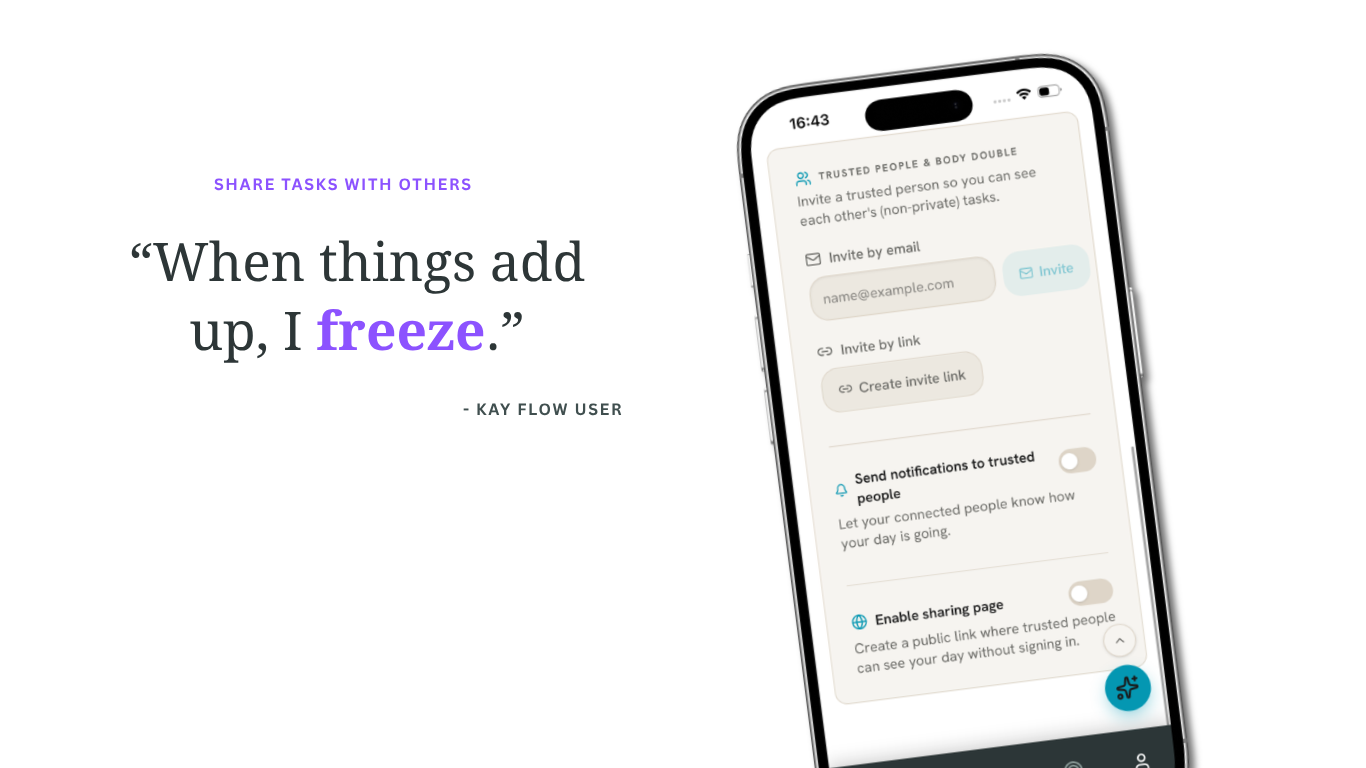
You can also share lists, tasks and routines with your partner or household, keeping everyone on the same page and clearing your head.
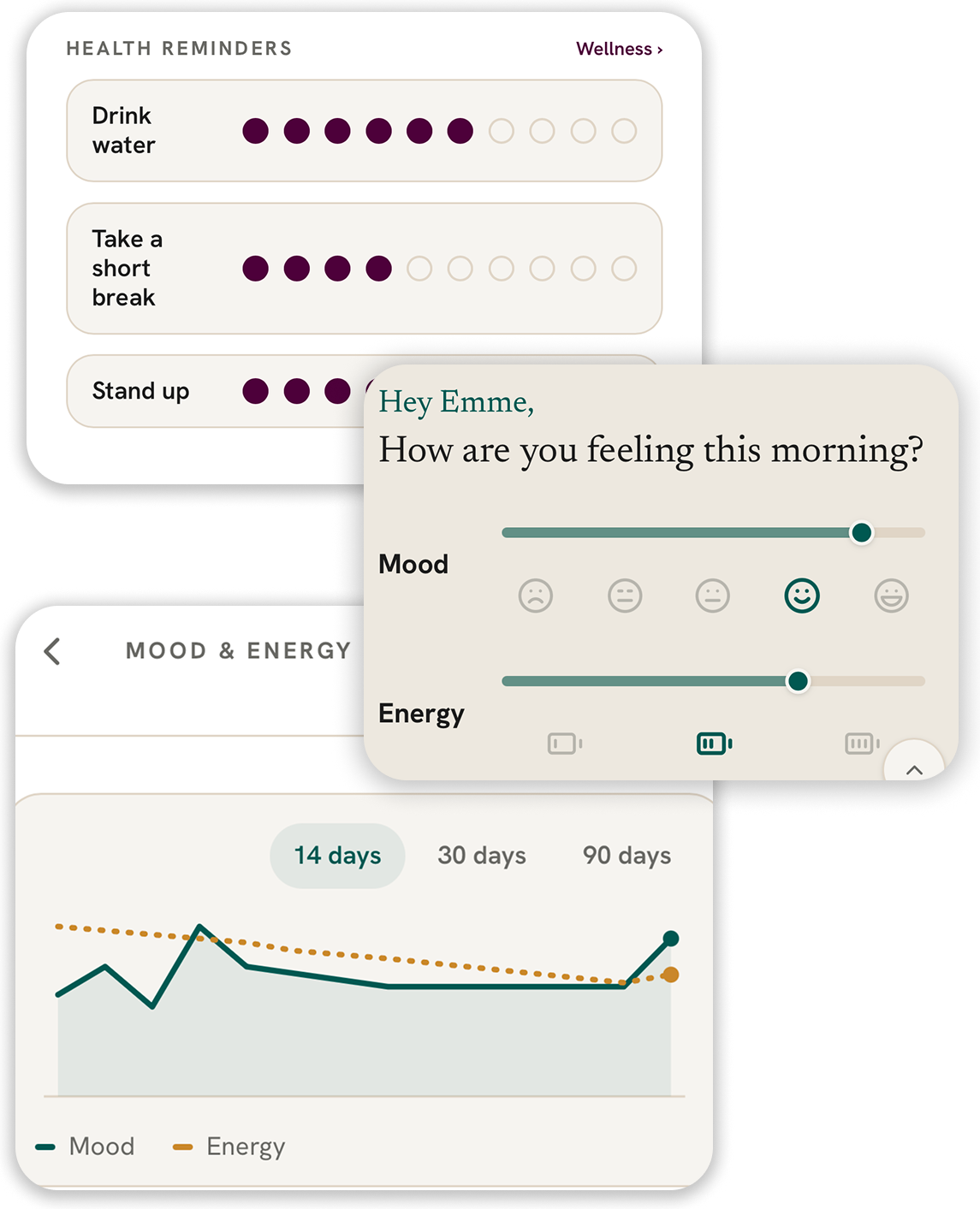
Track your mood, energy
and habits
Kay learns how your days actually feel — so your plan can bend around your energy instead of fighting it.
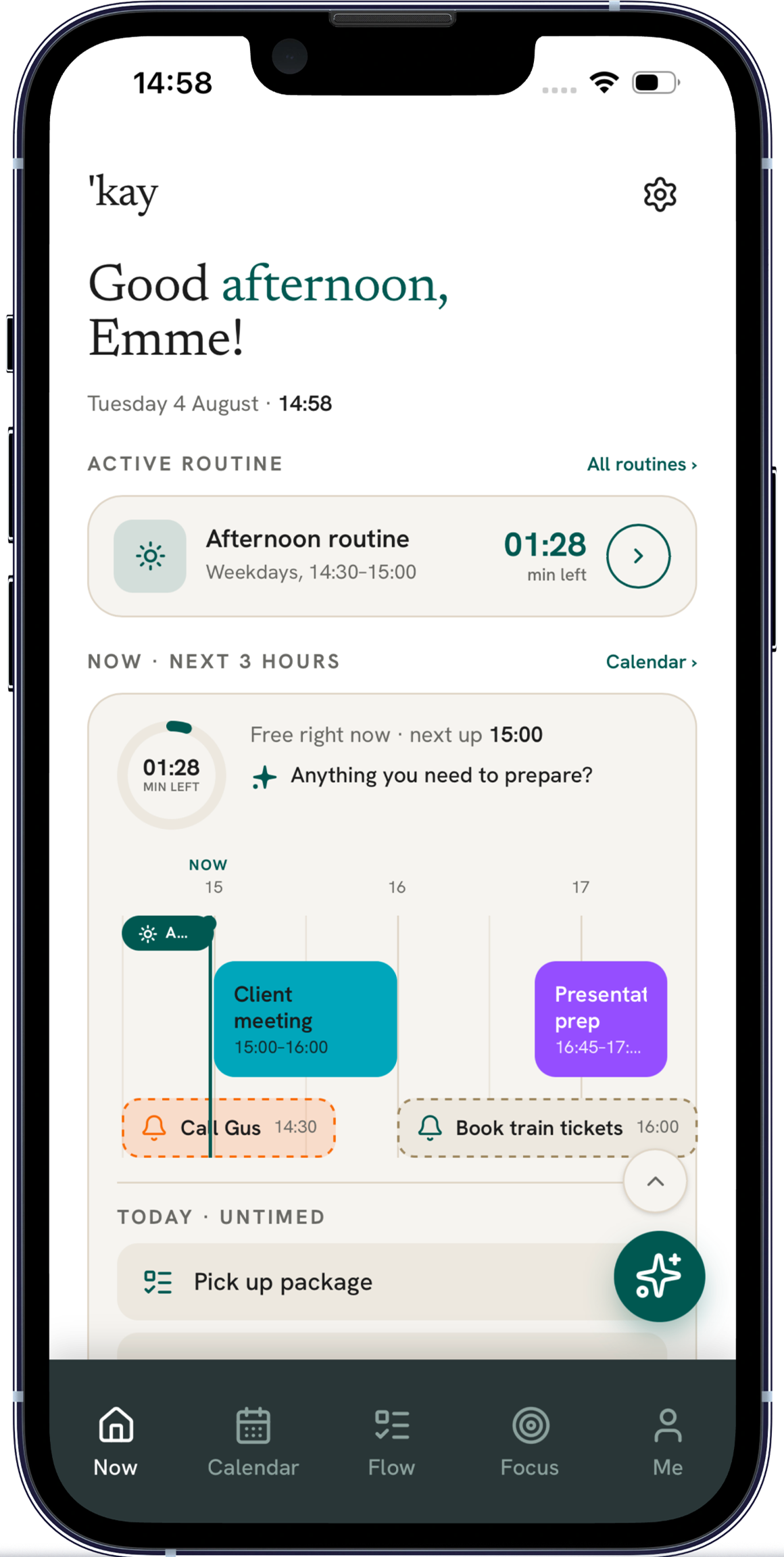
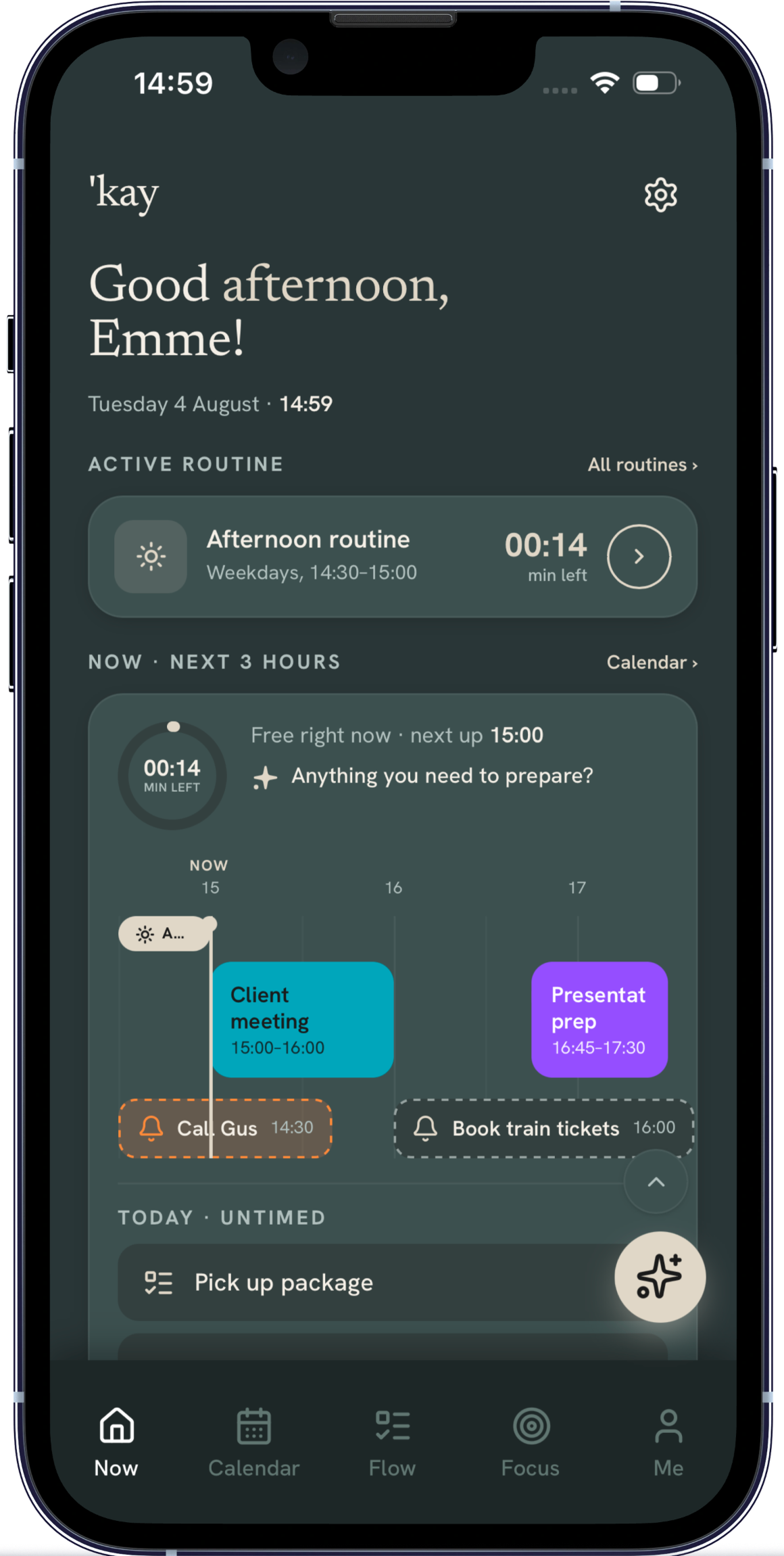
Choose your mode,
choose your color
Remove every obstacle to making Kay your daily assistant and co-planner by setting the direction yourself. Choose from 9 colour themes and two modes to find the combination that feels calm to you.
Start free, upgrade when needed
Fair use limits apply.
Questions, answered
Is Kay flow really free?
Yes. The free plan covers the planner, routines, lists, calendar sync, alarms, all colour themes, sharing and 2 AI conversations a day — for as long as you like. Plus adds the full AI co-planner, home screen widgets, child profiles and full wellness history when you're ready.
Which calendars does it connect to?
Google and Microsoft Outlook sync both ways — events you create in Kay flow appear there, and changes there appear here. On iPhone and Android, Kay flow also reads the calendars already on your device, including iCloud ones. Nothing is moved or deleted in your existing calendars.
Is it made for ADHD?
Kay flow is designed with ADHD and autistic minds at its core: low visual noise, micro-steps, visible time, and no shame-inducing red. It just happens to make life easier for everyone else too.
Do I have to move everything into a new app?
No. Kay sits on top of what you already use and brings it into one calm view. Think of it as an external hard drive for your day — it does the remembering so you don't have to.
Can the whole family use it?
You can share lists, tasks and routines with a partner or another trusted person — sharing is part of the free plan. Plus adds up to 3 child profiles, so you can plan around your kids' days too.
What do you do with my Google Calendar data?
Only what you ask for. We read your calendar to show your day in the app, and we write events when you create or move them. Your calendar data is never sold, never used for advertising, and never used to train AI models. You can disconnect the calendar in Settings, or revoke access in your Google Account at any time — details are in our privacy policy.
Is my data safe?
Your data is stored in the EU and is never sold. You stay in control: you can delete your account and everything in it yourself under Settings → Account, or from our public account deletion page without signing in. You can also email us for a copy of your data at any time.